Table of Contents
For a simple personal website, handling WordPress maintenance yourself can be a practical and cost-effective option. For most business websites, however, managed WordPress maintenance often provides greater reliability, accountability, and protection against costly problems. The right choice depends on how much time you have, your technical confidence, and how important your website is to your business operations.
Many business owners underestimate how much ongoing work a website requires after launch. Software updates, backups, security monitoring, performance checks, plugin compatibility, and troubleshooting all need attention. The question is not simply whether you can do it yourself, but whether doing it yourself remains the best use of your time and resources.
What Does WordPress Maintenance Actually Involve?
WordPress maintenance is the ongoing process of keeping a website secure, functional, and performing properly.
Typical maintenance tasks include:
- Updating WordPress core software
- Updating plugins and themes
- Creating and testing backups
- Monitoring website security
- Checking for malware or vulnerabilities
- Resolving compatibility issues
- Fixing errors and broken functionality
- Monitoring uptime and performance
- Reviewing website health and reliability
These tasks are not usually difficult in isolation. The challenge is ensuring they happen consistently and correctly over time. The official WordPress documentation provides a good overview of how WordPress updates and maintenance work.
DIY WordPress Maintenance
DIY maintenance means managing all website updates, monitoring, backups, and troubleshooting yourself.
For some website owners, this approach makes sense.
When DIY Can Be a Good Fit
DIY maintenance may work well if:
- The website is a personal project or hobby site
- The website is not critical to generating business enquiries or sales
- You are comfortable learning technical tasks
- You have time available to manage updates and monitor issues
- You are prepared to troubleshoot problems when they arise
A simple brochure website with minimal functionality may not require extensive oversight beyond routine updates and backups.
Advantages of DIY Maintenance
Lower Direct Costs
The most obvious benefit is avoiding a recurring maintenance fee.
If you are willing to invest your own time, DIY maintenance can reduce immediate operating costs.
Full Control
You decide when updates happen, which tools are used, and how issues are handled.
Some website owners prefer maintaining complete control over every aspect of their website.
Better Understanding of Your Website
Managing maintenance yourself often leads to a stronger understanding of how your website works and how different components interact.
Challenges of DIY Maintenance
Time Commitment
Updates, monitoring, testing, backups, and troubleshooting all require attention.
A five-minute plugin update can occasionally become a multi-hour problem if compatibility issues appear afterwards.
Technical Knowledge Requirements
Many maintenance tasks are straightforward, but resolving issues often requires a deeper understanding of WordPress, hosting environments, databases, and plugin conflicts.
For example, plugin updates can occasionally introduce compatibility issues, which is why WordPress recommends reviewing and managing plugins carefully.
When something breaks, finding the cause is rarely as simple as clicking an update button.
Increased Risk
Mistakes can happen.
An incomplete backup, a failed update, or a security vulnerability that goes unnoticed may lead to downtime, lost enquiries, poor user experience, or expensive recovery work.
Managed WordPress Maintenance
Managed WordPress maintenance places ongoing website management in the hands of specialists who monitor, maintain, and support the website on your behalf.
Rather than handling maintenance internally, you have a dedicated team responsible for keeping the site operational.
Advantages of Managed Maintenance
Accountability
One of the biggest differences is accountability.
When maintenance is managed professionally, there is a clear responsibility for monitoring the website, addressing issues, and maintaining stability.
If something goes wrong, you know who to contact.
Greater Reliability
Professional maintenance processes are typically structured and consistent.
Updates are monitored, backups are performed regularly, security measures are maintained, and website health is reviewed continuously rather than occasionally.
Reduced Business Risk
Business websites often play a direct role in generating leads, enquiries, bookings, or sales.
Managed maintenance reduces the likelihood of problems going unnoticed and helps minimise disruption if issues occur.
Time Savings
Business owners can focus on running their business instead of managing website updates, troubleshooting plugin conflicts, or investigating unexpected errors.
The value of this saved time is often overlooked when comparing costs.
Access to Specialist Knowledge
WordPress changes constantly.
Professional maintenance providers work with WordPress daily and stay current with security practices, plugin compatibility issues, and emerging risks.
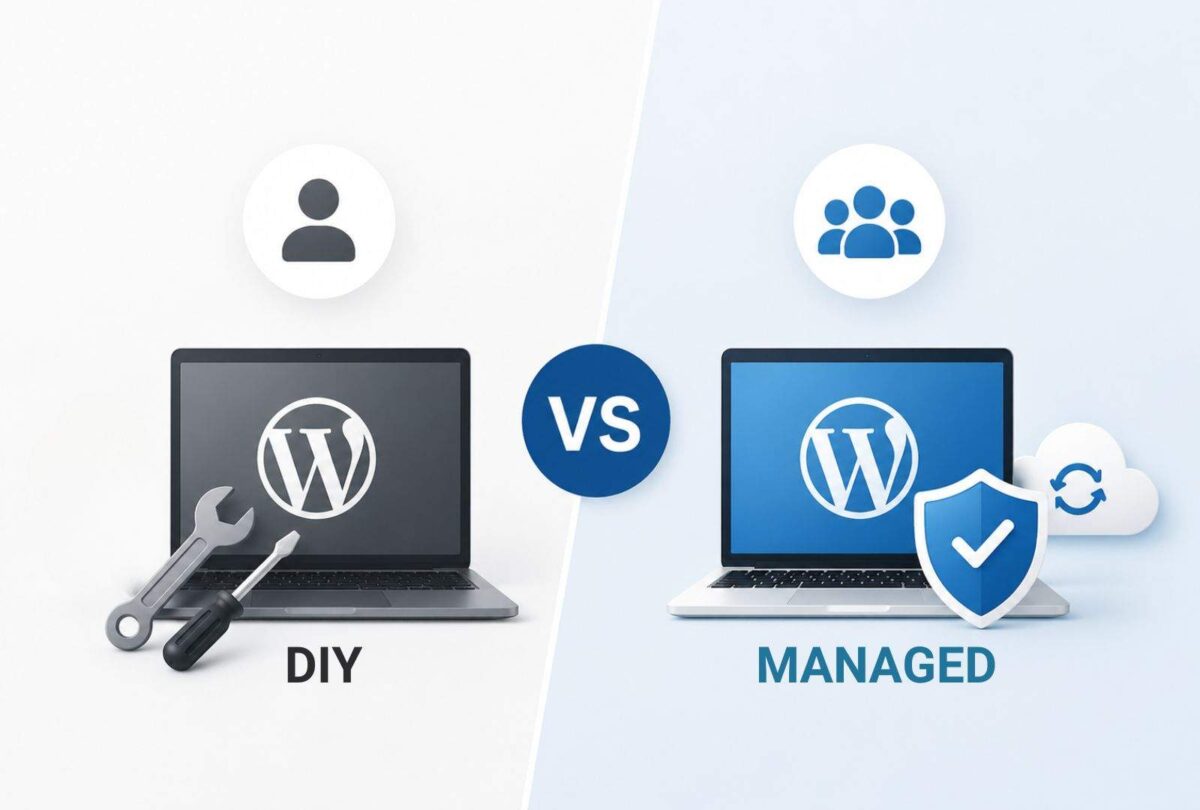
Comparing DIY vs Managed WordPress Maintenance
Time Required
DIY maintenance requires regular attention and availability when problems occur.
Managed maintenance significantly reduces the amount of time business owners spend dealing with website issues.
For many businesses, this is one of the most valuable benefits.
Technical Skill
DIY maintenance requires varying levels of technical knowledge depending on the complexity of the website.
Managed maintenance gives businesses access to specialist expertise without needing to develop that expertise internally.
Risk
Every website carries some level of risk.
DIY maintenance places responsibility for identifying and resolving issues on the website owner.
Managed maintenance provides ongoing oversight designed to reduce security, performance, and operational risks.
Reliability
DIY reliability depends heavily on consistency and available time.
Managed maintenance typically follows structured processes that improve reliability and reduce the chances of maintenance being overlooked.
Long-Term Cost
DIY maintenance may appear cheaper initially because there is no monthly management fee.
However, long-term costs can include:
- Time spent maintaining the website
- Lost productivity
- Emergency troubleshooting
- Website recovery after failures
- Lost leads during downtime
- Unexpected development costs
Managed maintenance introduces a predictable ongoing expense but may reduce the likelihood of larger, unexpected costs later.
Which Option Is Right for Your Business?
There is no universal answer.
DIY maintenance can be perfectly reasonable for personal websites, hobby projects, and low-risk sites where occasional issues have minimal consequences.
For businesses that rely on their website for credibility, lead generation, customer enquiries, bookings, or sales, managed maintenance often provides a stronger balance of reliability, accountability, and long-term value.
The more important your website is to your business, the more important consistent maintenance becomes.
When Does Managed WordPress Maintenance Make Sense?
DIY maintenance can work well for personal websites and simple projects. However, if your website supports enquiries, sales, bookings, or your business reputation, managed maintenance often provides greater reliability, accountability, and peace of mind.
FAQ
Is DIY WordPress maintenance difficult?
Basic maintenance tasks are generally straightforward. The difficulty usually arises when updates create compatibility issues, security concerns emerge, or unexpected website problems require troubleshooting.
Can a business website be maintained without professional help?
Yes. Many business owners maintain their own websites successfully. However, doing so requires time, consistency, and a willingness to manage technical issues when they occur.
Is managed WordPress maintenance worth the cost?
For businesses that rely on their website, managed maintenance often provides value through reduced downtime, improved reliability, professional oversight, and time savings.
What is the biggest risk of DIY WordPress maintenance?
The biggest risk is usually not performing maintenance consistently or missing issues that could affect website security, performance, or functionality.
Does managed maintenance guarantee that nothing will ever go wrong?
No website is immune to technical issues. The advantage of managed maintenance is having proactive monitoring, regular maintenance processes, and experienced support available when problems occur.
Also, read
Keep Your Website Running Without the Maintenance Burden
A business website should support your operations, not create additional work. If you would rather focus on running your business than managing updates, backups, security checks, and troubleshooting, explore Pressific's WordPress management service to see how ongoing professional maintenance can help keep your website reliable, secure, and performing at its best.