WordPress Support vs Maintenance: What’s the Difference?
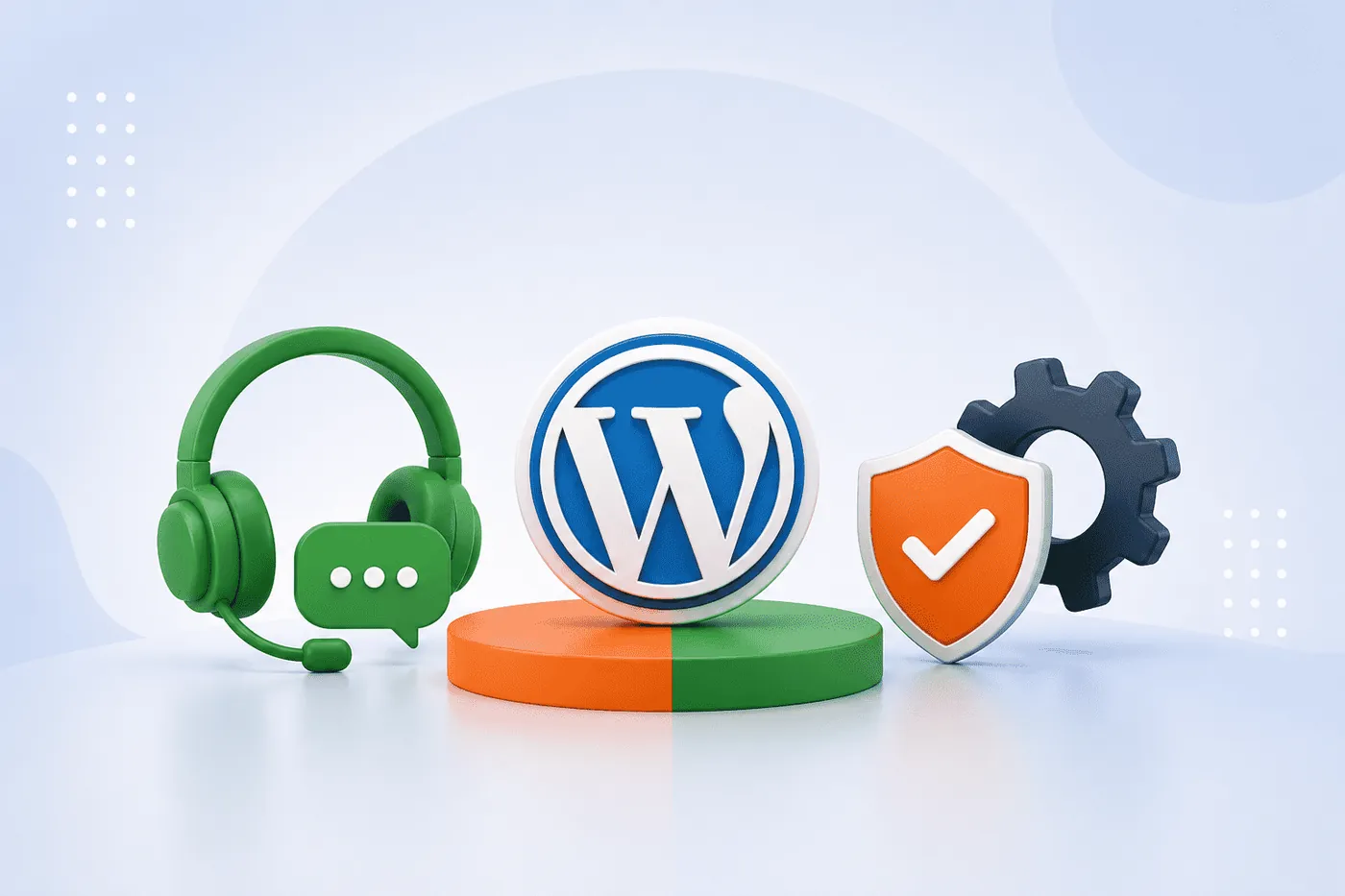
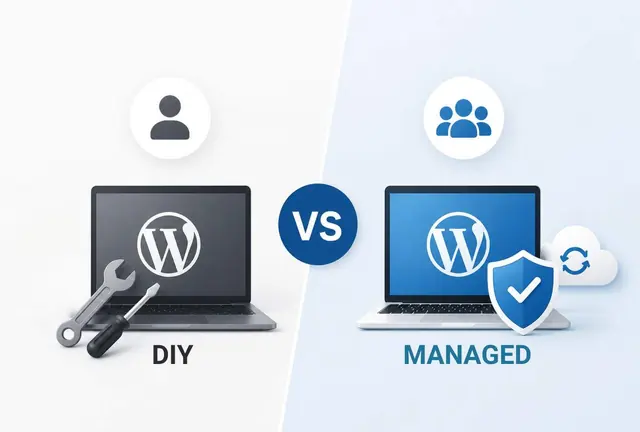
WordPress support and WordPress maintenance are closely related, but they are not the same thing. Maintenance focuses on preventing problems before they happen through ongoing updates, monitoring, backups, and security checks. Support, on the other hand, helps resolve issues when something goes wrong or when changes need to be made. Most business websites benefit from both because preventing problems is important, but so is having expert help available when unexpected issues arise.
Understanding the difference can help business owners choose the right level of website management and avoid confusion when comparing services.
What Is WordPress Maintenance?
WordPress maintenance refers to the ongoing tasks required to keep a website secure, stable, and performing properly.
Rather than reacting to problems, maintenance is designed to reduce the likelihood of those problems occurring in the first place.
Typical maintenance activities include:
- Updating WordPress core files
- Updating plugins and themes
- Monitoring website uptime
- Performing regular backups
- Running security checks
- Fixing minor compatibility issues
- Monitoring website performance
These tasks often happen behind the scenes, but they play an important role in reducing security risks and helping websites remain available to visitors.
A useful comparison is routine vehicle servicing. Regular maintenance helps reduce the risk of breakdowns, even though it cannot eliminate every possible issue.
The official WordPress documentation provides guidance on topics such as updating WordPress, creating WordPress backups, and hardening WordPress to improve security.
What Is WordPress Support?
WordPress support focuses on helping when something needs attention, assistance, or troubleshooting.
Unlike maintenance, support is usually reactive. A website owner encounters a problem or requests a change, and a support provider helps resolve it.
Examples of support requests include:
- Fixing website errors
- Investigating plugin conflicts
- Resolving broken layouts
- Updating content
- Publishing blog posts
- Creating new pages
- Adjusting website settings
- Assisting with functionality questions
Support often involves direct interaction between the website owner and the provider, with requests being handled as they arise.
For many businesses, support provides peace of mind because they know there is someone available to help when they need assistance.
WordPress Support vs Maintenance: The Key Difference
The simplest way to understand the distinction is this:
Maintenance helps prevent problems.
Support helps solve problems.
Maintenance is proactive. Support is reactive.
Maintenance works continuously in the background to reduce risk and keep the website healthy. Support becomes valuable when a business needs help, guidance, troubleshooting, or website changes.
Both serve different purposes, but they often complement each other.
Where Support and Maintenance Overlap
Although they are different services, there is significant overlap between support and maintenance.
For example, a plugin update may be completed as part of routine maintenance. However, if that update creates a compatibility issue that breaks part of the website, support may be required to investigate and resolve the problem.
Similarly, website monitoring may detect an outage as part of maintenance, while support is needed to diagnose and fix the underlying cause.
Because websites are dynamic systems, preventative work and reactive assistance often work together.
This is one reason many WordPress management providers combine both services into a single offering.
Why Businesses Often Need Both
Many business owners assume maintenance alone is enough until they encounter an unexpected issue.
Even well-maintained websites can experience:
- Third-party software conflicts
- Hosting-related issues
- User errors
- Content update requests
- New business requirements
- Security incidents
At the same time, relying solely on support without ongoing maintenance can increase the likelihood of avoidable problems.
A balanced approach helps businesses reduce risks while ensuring expert assistance is available when needed.
This is particularly important for websites that generate leads, support customers, process enquiries, or contribute directly to business operations.
Choosing the Right Approach
The right solution depends on how important the website is to the business.
A simple personal website may require only occasional support and basic maintenance.
A business website, however, often benefits from a more comprehensive approach that includes both preventative maintenance and access to support when issues arise.
When evaluating providers, it can be helpful to ask:
- What maintenance tasks are included?
- How frequently are updates performed?
- Are backups included?
- Is troubleshooting available?
- Are content updates covered?
- What level of support is provided if something breaks?
Understanding these details can make service comparisons much easier.
For many businesses, a managed service can be the simplest option because it brings maintenance and support together under a single process. Instead of coordinating different providers or dealing with issues as they arise, businesses can rely on a structured approach that helps keep their website secure, stable, maintained, and supported throughout the year.
FAQs
Is WordPress maintenance the same as support?
No. Maintenance focuses on preventative tasks such as updates, backups, monitoring, and security checks. Support focuses on troubleshooting, assistance, and handling website requests when needed.
Can a website have maintenance without support?
Yes, but if an issue occurs, there may not be anyone available to investigate and resolve it quickly.
Can support replace maintenance?
Not effectively. Support helps fix problems, but maintenance helps reduce the likelihood of those problems occurring in the first place.
Do small business websites need both?
In many cases, yes. Even smaller websites benefit from regular maintenance and having access to support when updates, changes, or troubleshooting are required.
Why do many WordPress providers combine support and maintenance?
Because the two services naturally complement each other. Maintenance helps prevent issues, while support helps resolve them when they occur.
Also, read
Support and Maintenance Work Best Together
A well-managed WordPress website needs more than just updates and backups, and more than someone to call when something breaks. Preventative maintenance helps reduce risk, while reliable support ensures issues can be resolved quickly when they arise.
Bringing both together creates a more structured approach to website management, helping businesses spend less time dealing with technical issues and more time focusing on their operations. Explore Pressific's WordPress Management Services to see how maintenance, monitoring, and support are delivered within a fully managed environment.