Table of Contents
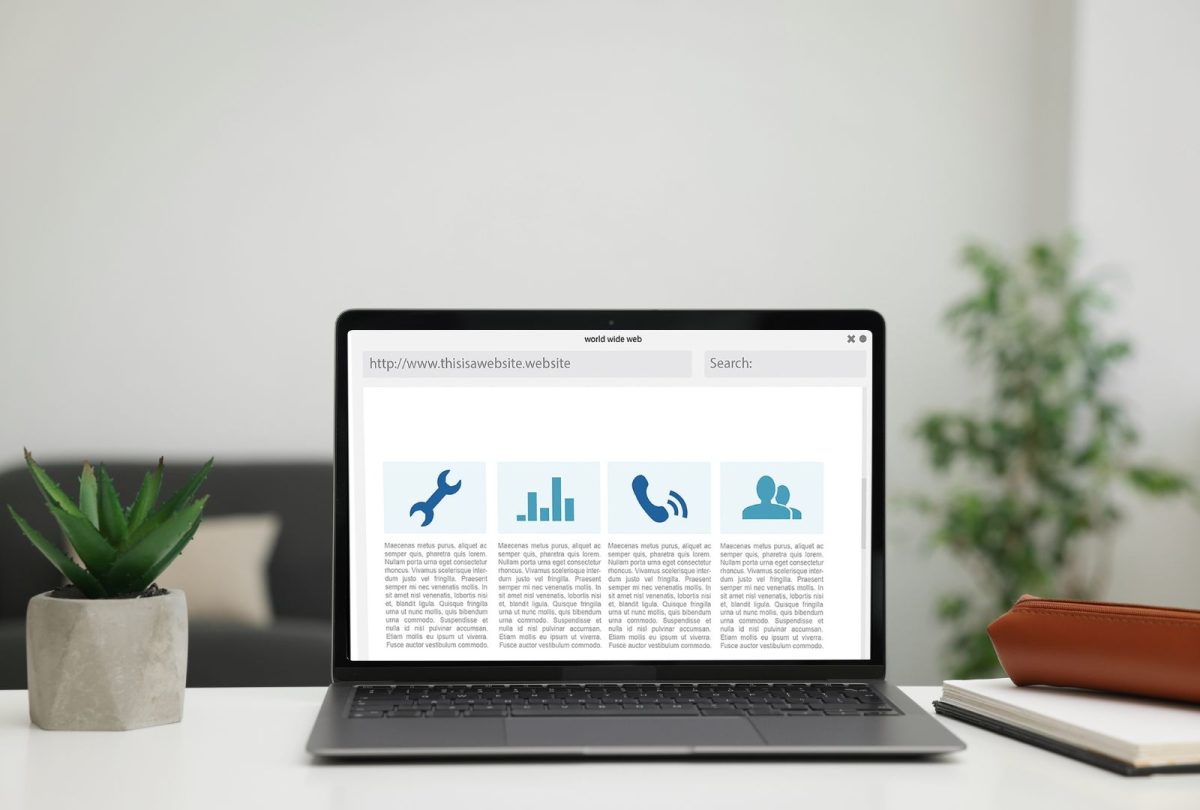
Icons are an essential element of modern web design. They serve as powerful tools that enhance the user experience and contribute to the overall visual appeal of a website. Whether it’s for navigation, representing actions, or simplifying complex ideas, icons play a pivotal role in streamlining the interface and making websites more user-friendly. In this post, we’ll dive into the power of icons in web design, their benefits, and how they can improve both functionality and aesthetics.
Why Icons in Web Design Matter
Websites are built to be interactive, easy to navigate, and visually appealing. With an increasing demand for better user experience (UX), designers are constantly looking for ways to improve how users interact with a site. One such solution is the use of icons.
Icons simplify and clarify the content and actions on a page. Instead of overwhelming visitors with text-heavy descriptions or confusing navigation buttons, icons in web design provide a quick, visually appealing alternative that communicates information at a glance.
The Role of Icons in Enhancing User Experience
User experience (UX) is at the core of any successful website. Icons make websites intuitive and help users find what they need faster. Here’s how:
- Improved Navigation: Icons can enhance navigation by providing users with visual shortcuts. For example, using a shopping cart icon for the checkout or a magnifying glass for search makes it easier for visitors to understand where they should go next.
- Clear Communication: Sometimes, images speak louder than words. A well-designed icon can convey meaning instantly without the need for detailed descriptions, making the interface cleaner and reducing cognitive load.
- Consistency and Familiarity: Icons that follow universal conventions, such as a trash can for delete or a pencil for editing, provide familiarity. Users already recognise these symbols, making it easier for them to interact with the site without having to relearn navigation patterns.

Icons and Visual Appeal
Apart from improving functionality, icons also contribute to the overall aesthetic appeal of a website. Here’s how:
- Design Cohesion: Icons help to maintain design consistency across a website. Whether the icons are flat, outline, or filled, they can be customised to fit the website’s overall style and color scheme, ensuring a seamless design.
- Enhance Brand Identity: Custom icons can also be tailored to reflect a brand’s personality. Whether through colors, shapes, or design styles, icons can reinforce a brand’s identity, adding a unique and professional touch.
- Scalability and Flexibility: Modern web design often requires adaptability across multiple devices. Icons are scalable and can be resized without losing quality, making them perfect for responsive design..
Types of Icons in Web Design
Not all icons are created equal. Here are the common types of icons in web design:
- Navigation Icons: These are used to represent core actions like “home,” “menu,” or “back.”
- Action Icons: Represent actions users can take, such as “like,” “share,” or “download.”
- Social Media Icons: Most websites display social media icons that link directly to their social profiles.
- Informational Icons: These convey messages like “error,” “success,” or “warning,” helping users understand the status of their interactions.
How to Use Icons Effectively
Effective use of icons in web design is about balance—too few, and your website feels empty; too many, and it could become cluttered. Here are a few tips for optimising icon usage:
1. Prioritise Simplicity
Icons are most effective when they are simple and easy to recognise. Stick to minimalist designs that are universally understood and easily interpreted by your audience.
2. Keep It Consistent
Consistency in icon design ensures that your website feels cohesive. Use a consistent style (e.g., outline or filled) and ensure the icons share similar visual weight and proportions.
3. Avoid Overloading
While it may be tempting to use many icons, it’s essential to only include the ones that provide value. Overloading a page with icons can create confusion and make navigation difficult. Check out this guide to icon design principles from UX Design for more best practices.
4. Optimise for Mobile Devices
In today’s mobile-first world, ensure your icons are responsive. They should resize appropriately on different screen sizes without losing clarity or accessibility.
SEO and Icons: The Hidden Power
Icons don’t just enhance UX and visual appeal—they can also contribute to your site’s SEO performance. By improving user experience, decreasing bounce rates, and encouraging interaction, icons indirectly support SEO efforts.
Google’s algorithms consider user engagement as a ranking factor. Websites that provide an intuitive, easy-to-navigate experience with visually appealing elements like icons are more likely to keep users engaged longer. This, in turn, could improve your website’s rankings in search engine results.
Also, read
Conclusion
Icons in web design are far more than just decorative elements—they are functional tools that enhance the user experience, improve accessibility, and contribute to the visual appeal of a website. By using icons strategically, you can make your website easier to navigate, more engaging, and more memorable.
At Pressific, we understand the importance of seamless design in creating a superior user experience. Whether it’s optimising your WordPress site’s performance or ensuring your visuals align with best design practices, we’re here to help elevate your online presence.
Want to improve your website’s user experience with expert design? Let’s talk.